urban VPN edge(2026)
Learn how to add Urban VPN to Microsoft Edge, connect to a server, and understand what a browser VPN can and cannot protect.
Urban VPN Edge usually refers to the Urban VPN Proxy extension for Microsoft Edge. You can find it in the Microsoft Edge Add-ons store, add it to the browser, and select a server to connect. Urban VPN describes its browser extension as offering unlimited bandwidth and access to a network of servers. Because browser extensions and full-device VPN apps protect traffic differently, it is important to know what the Edge extension covers before using it.
Quick comparison of Urban VPN Edge setup options
| Option | Where to get it | Setup effort | Best for | Key consideration |
|---|---|---|---|---|
| Edge Add-ons Store | Microsoft Edge Add-ons | Low | Most Edge users | Check the publisher before installing |
| Urban VPN website | Urban VPN’s official site | Low | Users following the provider’s instructions | Confirm it opens the official Edge listing |
| Install from listing | Edge Add-ons listing page | Low | Direct installation | Review permissions before adding |
| Pin the extension | Edge toolbar menu | Low | Quick access | Pinning does not connect the VPN |
| Open the extension | Edge toolbar icon | Low | Starting a session | Sign-in or setup may be required |
| Choose a location | Extension location menu | Low | Selecting an available server | Options may vary |
| Connect | Extension connect control | Low | Beginning a VPN session | Check the extension’s connection status |
| Disconnect | Extension controls | Low | Returning to a direct connection | Confirm the VPN is off before browsing |
Compiled November 2026; check the provider's site for current details.
| VPN | Obfuscation | From / month | Plan | Free plan | Refund | Alipay | UnionPay | Crypto | Website opens in China | Trustpilot | |
|---|---|---|---|---|---|---|---|---|---|---|---|
 ZoogVPN | Turn on manually Shadow | $2.49/mo | 27 months: $59.99 | Yes | 7 days | ✓ | ✓ | ✓ | ✓ | Official site blocked; our special link opens (4.4 s) | 4.2/5 (195 reviews) |
 NordVPN | Turn on manually Obfuscated Servers / NordWhisper | $3.49/mo | 27 months: $94.23 | No | 30 days | ? | ✗ | ✓ | ✓ | ✗ Blocked | 4.2/5 (51,628 reviews) |
 ExpressVPN | ✓ On by default all servers | $3.00/mo | 28 months: $84 | No | 30 days | ✗ | ✗ | ✓ | ✗ | ✗ Blocked | 4.4/5 (29,706 reviews) |
 Surfshark | ✓ On by default Camouflage, with OpenVPN | See site | See site | No | 30 days | ✗ | ✗ | ✗ | ✓ | ✗ Blocked | 4.3/5 (31,823 reviews) |
 Proton VPN | Turn on manually Stealth, free plan too | $2.99/mo | 12 months: $35.88 | Yes | 30 days | ✗ | ✗ | ✗ | ✓ | ✗ Blocked | 2.1/5 (1,040 reviews) |
 Astrill VPN | Turn on manually StealthVPN / OpenWeb | $12.50/mo | 24 months: $300 | No | See site | ✗ | ✗ | ✗ | ✓ | ✗ Blocked | 1.3/5 (110 reviews) |
 Private Internet Access | Turn on manually Shadowsocks, OpenVPN only | $2.03/mo | 40 months: $81.2 | No | 30 days | ✗ | ✗ | ✗ | ✗ | ✗ Blocked | 4.2/5 (11,033 reviews) |
 CyberGhost | Turn on manually selected servers | $2.19/mo | 28 months: $61.32 | No | 45 days | ✗ | ✗ | ✗ | ✓ | ✗ Blocked | 4.0/5 (24,178 reviews) |
 PureVPN | Turn on manually switch to OpenVPN | $1.69/mo | 60 months: $101.55 | No | 31 days | ? | ? | ✗ | ✓ | ✗ Blocked | 4.4/5 (17,994 reviews) |
 AdGuard VPN | ✓ On by default TrustTunnel | $2.99/mo | 24 months: $71.76 | Yes | 30 days | ✓ | ✗ | ✓ | ✓ | Official site blocked; our special link opens (3.7 s) | 4.3/5 (290 reviews) |
 Mullvad | Turn on manually QUIC / Shadowsocks / LWO | $5.61/mo | €5/mo | No | 14 days | ✗ | ✗ | ✗ | ✓ | ✗ Blocked | 3.2/5 (192 reviews) |
 Windscribe | Turn on manually Stealth / WStunnel | $5.75/mo | 12 months: $69 | Yes | See site | ✗ | ✗ | ✗ | ✓ | ✗ Blocked | 4.7/5 (13,355 reviews) |
 StrongVPN | Turn on manually Scramble, OpenVPN TCP | See site | See site | No | 30 days | ✓ | ✗ | ✗ | ✗ | ✗ Blocked | 4.4/5 (2,695 reviews) |
 LightXtreme 闪连 | Not listed | $7.08/mo | 12 months: $84.99 | Yes | 30 days | ✓ | ✓ | ✓ | ✓ | ✓ Yes (3.5 s) | No page |
Prices checked 2026-11-10 on each vendor's pricing page (cheapest long plan, USD). Check the vendor's checkout for the final price.
Obfuscation checked 2026-11-14 on each vendor's site and help center: "on by default" = nothing to set; "turn on manually" = switch protocol or mode in settings; "not listed" = the vendor describes no obfuscation.
Payment methods checked 2026-11-10 on each vendor's payment pages: all 14 take cards and PayPal; ✗ = not listed, ? = the vendor's own pages disagree.
China access: whether the official website opens from mainland China networks (tests the website only, not the VPN connection). Last checked 2026-11-18 01:02 Beijing time.
Trustpilot score and review count checked 2026-11-10.
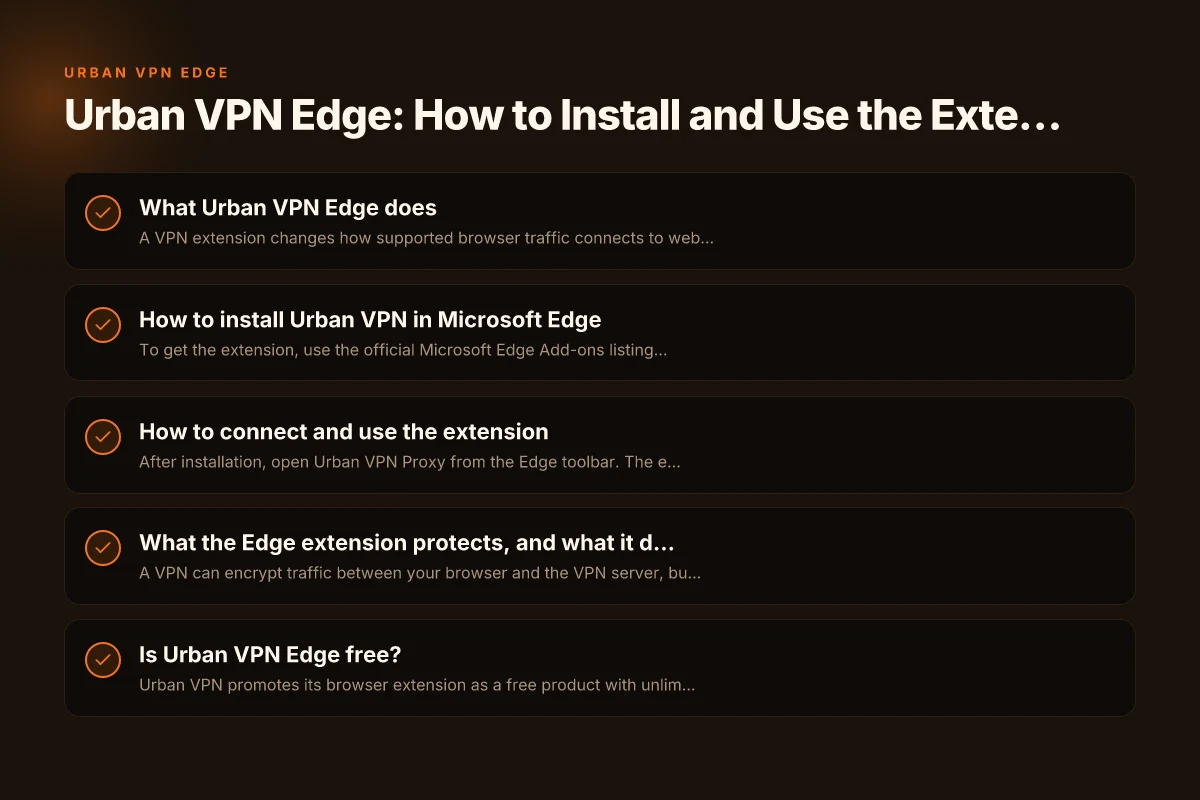
What Urban VPN Edge does
A VPN extension changes how supported browser traffic connects to websites. When you connect through Urban VPN, websites may see the VPN server’s IP address instead of your usual public IP address. This can help with basic IP masking and accessing sites that are available in a selected region.
Urban VPN also says its browser extension includes security features intended to help shield browsing from phishing attempts, malware, and intrusive ads. These features should be treated as an extra layer, not a guarantee that every threat will be blocked.
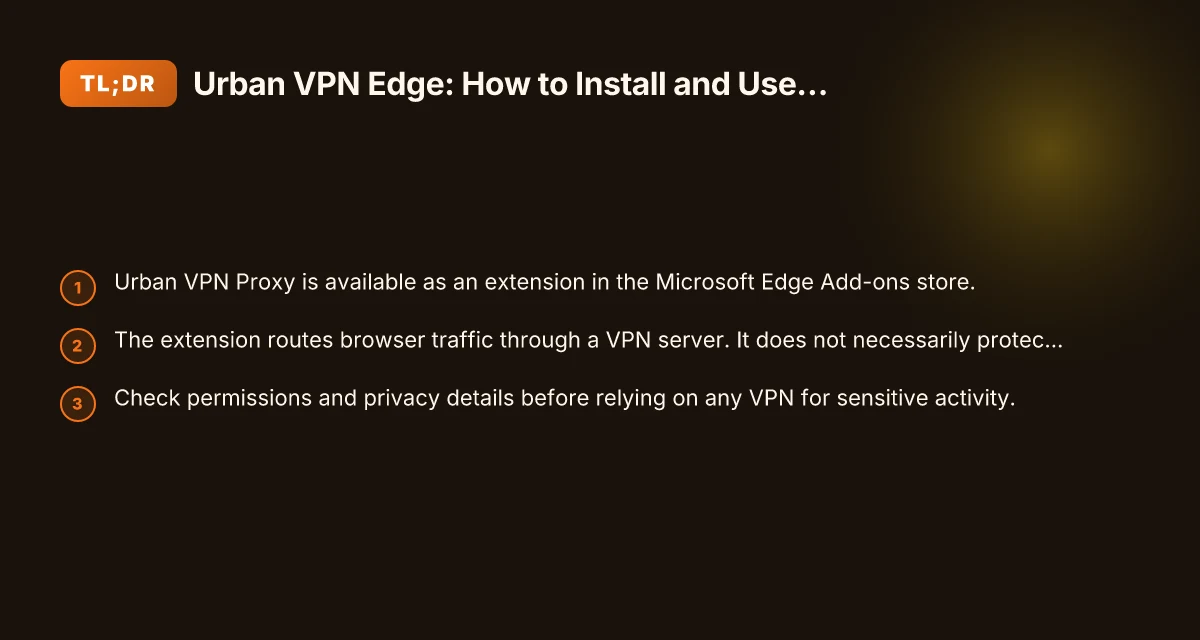
A browser extension is not automatically the same as a VPN app for Windows. Depending on the product and configuration, an extension may cover traffic from the browser only. Other apps on your computer may continue to connect through your regular internet connection.
How to install Urban VPN in Microsoft Edge
To get the extension, use the official Microsoft Edge Add-ons listing for Urban VPN Proxy. forticlient VPN download(2026)
- Open Microsoft Edge and visit the Microsoft Edge Add-ons store.
- Search for “Urban VPN Proxy,” or open its official store listing.
- Select the option to get or install the extension.
- Review the requested permissions and confirm if you want to proceed.
- Open the extension from the Edge toolbar. If it is not visible, check the browser’s Extensions menu and pin it for easier access.
- Choose a server location and connect.
Store layouts and button labels can change. If you cannot find the extension, verify that you are viewing the official Microsoft Edge Add-ons store and that your browser is up to date.
How to connect and use the extension
After installation, open Urban VPN Proxy from the Edge toolbar. The extension should provide controls for choosing a location and starting or stopping the connection. The exact screen may change as the product is updated.
For a basic connection:
- Select the location you want to connect through.
- Start the VPN connection and wait for the extension to indicate that it is active.
- Open a new tab and check whether the websites you need work as expected.
- Disconnect when you no longer need the VPN, or switch locations if a site is unavailable.
If a website still recognizes your location, close and reopen the tab, check that the extension is connected, and confirm that you selected the intended server. Websites may also use information beyond your IP address to estimate location, so a VPN cannot guarantee access to every region-restricted service. cato VPN(2026)
What the Edge extension protects, and what it does not
A VPN can encrypt traffic between your browser and the VPN server, but it does not make you anonymous or remove every online risk. The extension is most useful when you want to route browser activity through a VPN connection and mask your usual IP address from websites.
| Option | Traffic it may cover | When to consider it |
|---|---|---|
| Urban VPN Edge extension | Browser traffic routed through the extension | You mainly want VPN functionality while using Edge |
| A VPN app for Windows | Device traffic, according to the app’s settings and supported features | You want protection for more than browser activity |
This is a general distinction, not a guarantee about every configuration. Check Urban VPN’s current product information to confirm what its Edge extension and Windows app cover.
A VPN also does not replace safe browsing habits. Keep Edge and your operating system updated, avoid suspicious downloads, and use strong, unique passwords. If you handle confidential work or financial information, review the provider’s privacy policy and security details rather than relying on a VPN label alone.
What the Urban VPN Edge extension can and cannot protect free VPN for edge(2026)
| Area | Protection status | What it means | User action |
|---|---|---|---|
| Browser traffic | Supported while connected | Traffic routed through the extension may use its VPN connection | Verify the connection is active |
| IP address shown to websites | Can be changed | Websites may see the selected VPN location’s address | Check your visible IP if needed |
| Location choice | Supported | Select from locations offered in the extension | Availability may vary |
| Non-browser apps | Not covered by a browser extension | Other apps may use your regular connection | Use a suitable device-level VPN if needed |
| Disconnected browsing | Not protected by the extension | Traffic may use your normal connection | Reconnect before browsing |
| Account privacy | Not guaranteed by a VPN | Websites can still identify signed-in accounts | Review site privacy settings |
| Tracking and cookies | Not automatically eliminated | Sites may still use cookies and other tracking methods | Manage cookies and browser settings |
| Complete anonymity | Not guaranteed | A VPN alone cannot prevent every form of identification | Avoid sharing identifying information |
Compiled November 2026; check the provider's site for current details.
Is Urban VPN Edge free?
Urban VPN promotes its browser extension as a free product with unlimited bandwidth. That is the provider’s stated offering. Availability and features can change, so check the current Edge Add-ons listing and Urban VPN website for the latest terms.
“Free” does not answer every privacy question. Before installing, consider:
- What data the extension collects and how it is used.
- Whether the permissions make sense for the features you need.
- How the provider describes logging, retention, and sharing.
- Whether the service works with the websites and regions you care about.
Read the current privacy information and store listing before connecting, especially if you plan to use the extension regularly. add or change a VPN connection windows 11(2026)
Troubleshooting common problems
If Urban VPN does not connect or a site does not load, try these steps:
- Confirm that the extension is enabled in Edge.
- Disconnect and reconnect, or try another available server location.
- Reload the page or open it in a new tab.
- Temporarily disable other extensions that might interfere, then test again.
- Update Edge and check the extension’s store listing for current support information.
If the issue continues, disconnect the VPN and compare the result. This can help determine whether the connection or the website itself is causing the problem. Avoid entering sensitive details on a site that behaves unexpectedly.
Is Urban VPN Edge the right choice for you?
| Your priority | Urban VPN Edge fit | What to check | Alternative consideration |
|---|---|---|---|
| Free browser VPN access | Potentially suitable | Confirm current free-plan terms | Compare other free extensions |
| Simple Edge setup | Suitable | Install from the official Edge listing | Avoid unverified download sources |
| Browser-only protection | Suitable for this use | Confirm which browser traffic is covered | Consider device-level coverage |
| Protection for all apps | Not sufficient on its own | A browser extension covers browser use | Look at a full-device VPN |
| Strong privacy assurances | Verify before choosing | Read current privacy and logging disclosures | Compare providers’ published policies |
| Reliable connection | Test in your own setup | Check connection status and performance | Try another location or service |
| Trouble connecting | Try basic troubleshooting first | Reconnect, change location, or restart Edge | Check provider support information |
| Casual browsing | May be a practical option | Review permissions and privacy terms | Choose based on your privacy needs |
Compiled November 2026; check the provider's site for current details. edge VPN(2026)
Recommendation
Urban VPN Edge is worth considering if you want a straightforward browser extension and understand that it may protect Edge traffic rather than every app on your device. Install it from the official Microsoft Edge Add-ons store, review its permissions and privacy policy, and test it with your usual websites. For broader device coverage or sensitive use, compare the extension with a full VPN app and assess the provider’s current security and privacy information before choosing.