Nord VPN for PC: How to Download, Install, and Use It
Learn how to get NordVPN for a Windows PC, install it, connect to a server, and understand key limitations.
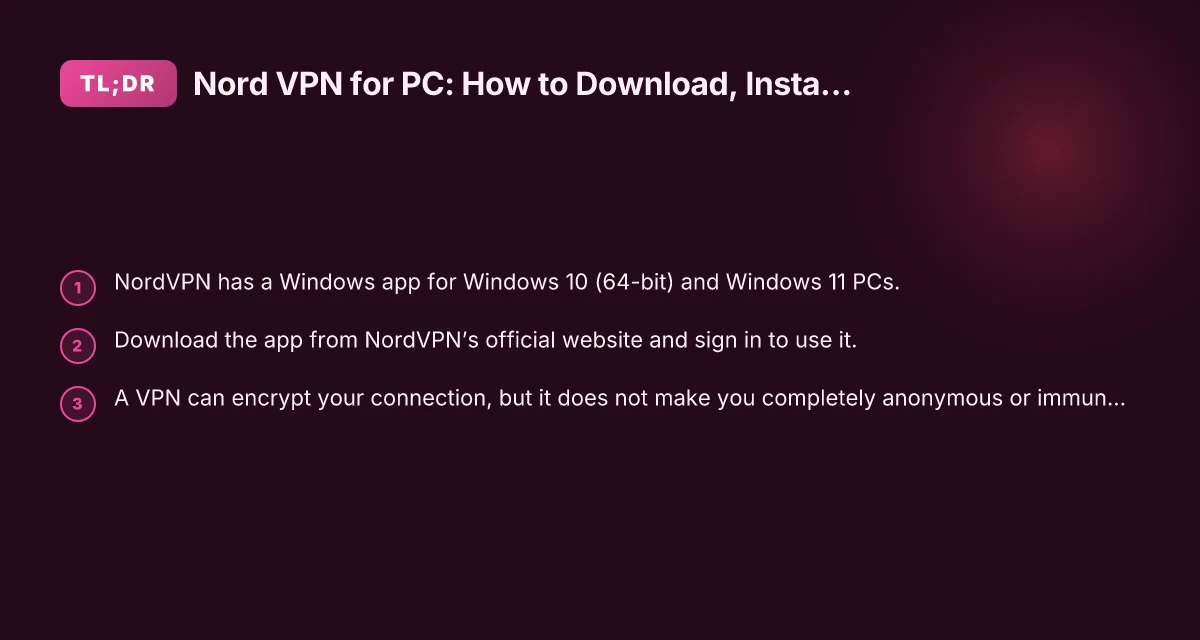
NordVPN for PC is available as a Windows app for computers running Windows 10 (64-bit) or Windows 11. To get started, download the installer from NordVPN’s official Windows download page, install the app, sign in, and choose a VPN connection. You’ll need an internet connection to download the app and log in.
| VPN | Obfuscation | From / month | Plan | Free plan | Refund | Alipay | UnionPay | Crypto | Website opens in China | Trustpilot | |
|---|---|---|---|---|---|---|---|---|---|---|---|
 NordVPN | Turn on manually Obfuscated Servers / NordWhisper | $3.49/mo | 27 months: $94.23 | No | 30 days | ? | ✗ | ✓ | ✓ | ✗ Blocked | 4.2/5 (51,628 reviews) |
 ZoogVPN | Turn on manually Shadow | $2.49/mo | 27 months: $59.99 | Yes | 7 days | ✓ | ✓ | ✓ | ✓ | Official site blocked; our special link opens (4.4 s) | 4.2/5 (195 reviews) |
 ExpressVPN | ✓ On by default all servers | $3.00/mo | 28 months: $84 | No | 30 days | ✗ | ✗ | ✓ | ✗ | ✗ Blocked | 4.4/5 (29,706 reviews) |
 Surfshark | ✓ On by default Camouflage, with OpenVPN | See site | See site | No | 30 days | ✗ | ✗ | ✗ | ✓ | ✗ Blocked | 4.3/5 (31,823 reviews) |
 Proton VPN | Turn on manually Stealth, free plan too | $2.99/mo | 12 months: $35.88 | Yes | 30 days | ✗ | ✗ | ✗ | ✓ | ✗ Blocked | 2.1/5 (1,040 reviews) |
 Astrill VPN | Turn on manually StealthVPN / OpenWeb | $12.50/mo | 24 months: $300 | No | See site | ✗ | ✗ | ✗ | ✓ | ✗ Blocked | 1.3/5 (110 reviews) |
 Private Internet Access | Turn on manually Shadowsocks, OpenVPN only | $2.03/mo | 40 months: $81.2 | No | 30 days | ✗ | ✗ | ✗ | ✗ | ✗ Blocked | 4.2/5 (11,033 reviews) |
 CyberGhost | Turn on manually selected servers | $2.19/mo | 28 months: $61.32 | No | 45 days | ✗ | ✗ | ✗ | ✓ | ✗ Blocked | 4.0/5 (24,178 reviews) |
 PureVPN | Turn on manually switch to OpenVPN | $1.69/mo | 60 months: $101.55 | No | 31 days | ? | ? | ✗ | ✓ | ✗ Blocked | 4.4/5 (17,994 reviews) |
 AdGuard VPN | ✓ On by default TrustTunnel | $2.99/mo | 24 months: $71.76 | Yes | 30 days | ✓ | ✗ | ✓ | ✓ | Official site blocked; our special link opens (3.7 s) | 4.3/5 (290 reviews) |
 Mullvad | Turn on manually QUIC / Shadowsocks / LWO | $5.61/mo | €5/mo | No | 14 days | ✗ | ✗ | ✗ | ✓ | ✗ Blocked | 3.2/5 (192 reviews) |
 Windscribe | Turn on manually Stealth / WStunnel | $5.75/mo | 12 months: $69 | Yes | See site | ✗ | ✗ | ✗ | ✓ | ✗ Blocked | 4.7/5 (13,355 reviews) |
 StrongVPN | Turn on manually Scramble, OpenVPN TCP | See site | See site | No | 30 days | ✓ | ✗ | ✗ | ✗ | ✗ Blocked | 4.4/5 (2,695 reviews) |
 LightXtreme 闪连 | Not listed | $7.08/mo | 12 months: $84.99 | Yes | 30 days | ✓ | ✓ | ✓ | ✓ | ✓ Yes (3.5 s) | No page |
Prices checked 2026-11-10 on each vendor's pricing page (cheapest long plan, USD). Check the vendor's checkout for the final price.
Obfuscation checked 2026-11-14 on each vendor's site and help center: "on by default" = nothing to set; "turn on manually" = switch protocol or mode in settings; "not listed" = the vendor describes no obfuscation.
Payment methods checked 2026-11-10 on each vendor's payment pages: all 14 take cards and PayPal; ✗ = not listed, ? = the vendor's own pages disagree.
China access: whether the official website opens from mainland China networks (tests the website only, not the VPN connection). Last checked 2026-11-18 01:02 Beijing time.
Trustpilot score and review count checked 2026-11-10.
Is NordVPN available for PC?
Yes. NordVPN offers a dedicated app for Windows PCs and laptops. Its Windows download page lists support for Windows 10 (64-bit) and Windows 11. Check your PC’s Windows version and system type before downloading so you choose the right app.
The VPN app routes your internet traffic through a VPN server and encrypts the connection between your device and that server. This can help protect data on networks you don’t control, such as public Wi-Fi. It does not prevent every form of tracking: websites may still recognize you through account sign-ins, cookies, browser fingerprinting, or information you share.
NordVPN also offers apps for other platforms, including macOS, Linux, Android, and iOS. If you need a VPN on a different device, visit the provider’s general download page and select the relevant platform.
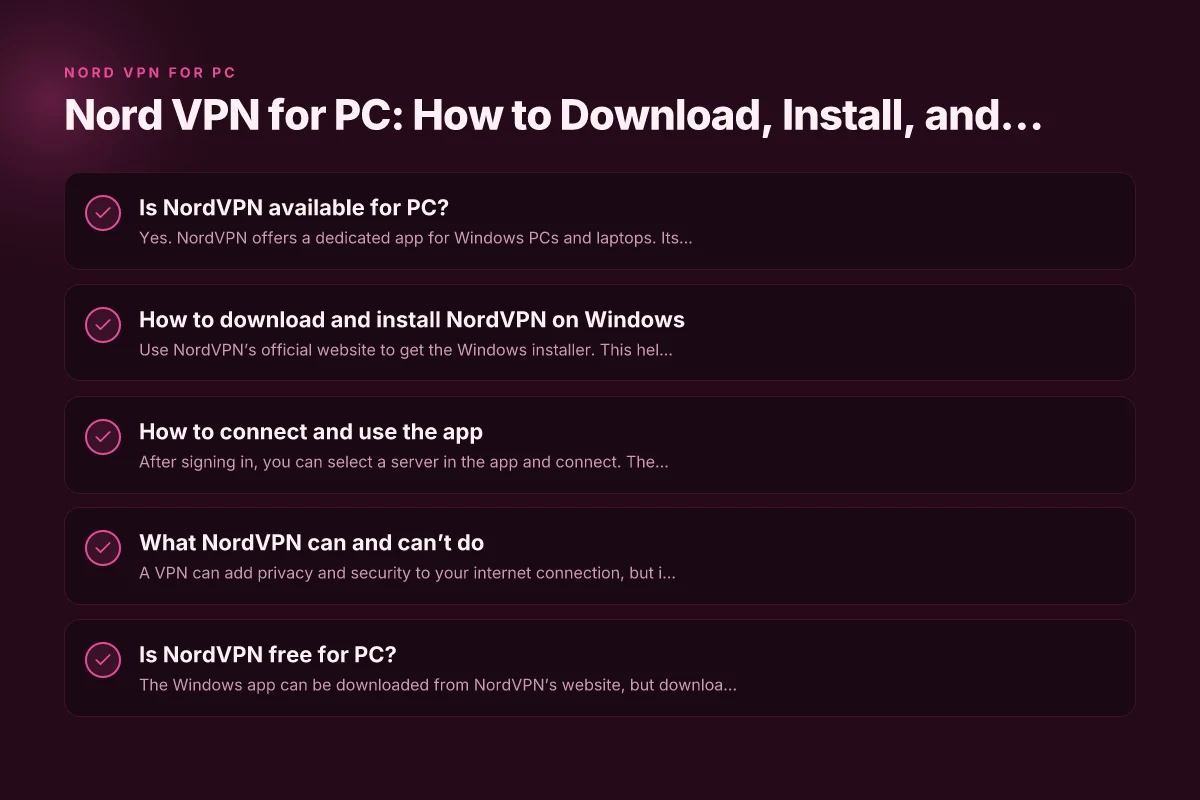
How to download and install NordVPN on Windows
Use NordVPN’s official website to get the Windows installer. This helps you avoid downloads from unofficial sources and ensures you’re following the provider’s current installation instructions. VPN Extension for Edge Free: How to Choose One Safely
- Open NordVPN’s Windows download page.
- Download the installer to your PC.
- Open the downloaded file and follow the on-screen setup instructions.
- Start the NordVPN app once installation is complete.
- Sign in to your account and connect to a server.
You’ll need a working internet connection to download the app and log in. If the installer won’t run, confirm that your PC meets the listed Windows requirements and that the downloaded file completed successfully. For current troubleshooting steps, consult NordVPN’s Windows support guide.
How to connect and use the app
After signing in, you can select a server in the app and connect. The available interface and options may change as the software is updated, so use the app’s on-screen labels as your guide.
A simple first-use routine is:
- Open the app and sign in.
- Choose a server location or use the app’s connection option.
- Wait for the app to show that the VPN connection is active.
- Browse as usual, keeping in mind that some websites may ask you to verify your identity or may behave differently when you connect through a VPN.
If a website or service doesn’t work as expected, try another server or disconnect temporarily if you’re comfortable doing so. Avoid entering sensitive information on sites you don’t trust, whether or not a VPN is connected. Urban VPN Edge Extension: Features, Setup, and Safety
What NordVPN can and can’t do
A VPN can add privacy and security to your internet connection, but it is not a complete anonymity tool. The VPN provider handles your connection to its servers, and websites can still collect information about your browsing or identity through other methods.
| What it may help with | What it does not guarantee |
|---|---|
| Encrypting traffic between your PC and the VPN server | Complete anonymity online |
| Adding protection when using public Wi-Fi | Protection from malware, phishing, or unsafe downloads |
| Changing the IP address websites see to the VPN server’s address | That every website or app will work normally |
| Making it harder for others on the local network to inspect your traffic | That no organization can ever identify or investigate a user |
Whether a VPN is suitable depends on what you want to protect and the service’s current terms and privacy information. Review those details before choosing a plan, and use other good security practices, such as keeping Windows and your browser updated.
Is NordVPN free for PC?
The Windows app can be downloaded from NordVPN’s website, but downloading the app does not necessarily mean the service is free to use. Check NordVPN’s official site for current access options, account requirements, and pricing. Those details can change, so avoid relying on old listings or download pages from third-party sites.
For a safer setup, download the app directly from NordVPN rather than from an unofficial software mirror. Make sure you understand the account and payment terms before subscribing. EY VPN Connect: How to Access EY Systems and Troubleshoot Connection Issues
Recommendation
If you want NordVPN on a Windows PC, download the official app and first confirm that your computer runs Windows 10 (64-bit) or Windows 11. Install it, sign in, and test a connection before relying on it for sensitive browsing. Treat the VPN as one layer of protection, not a substitute for careful browsing, secure passwords, or up-to-date security software.