
AXGate VPN: What It Is, How to Get the Client, and What to Know
Learn how AXGate VPN supports secure remote access, where to find its client, and what to check before connecting.
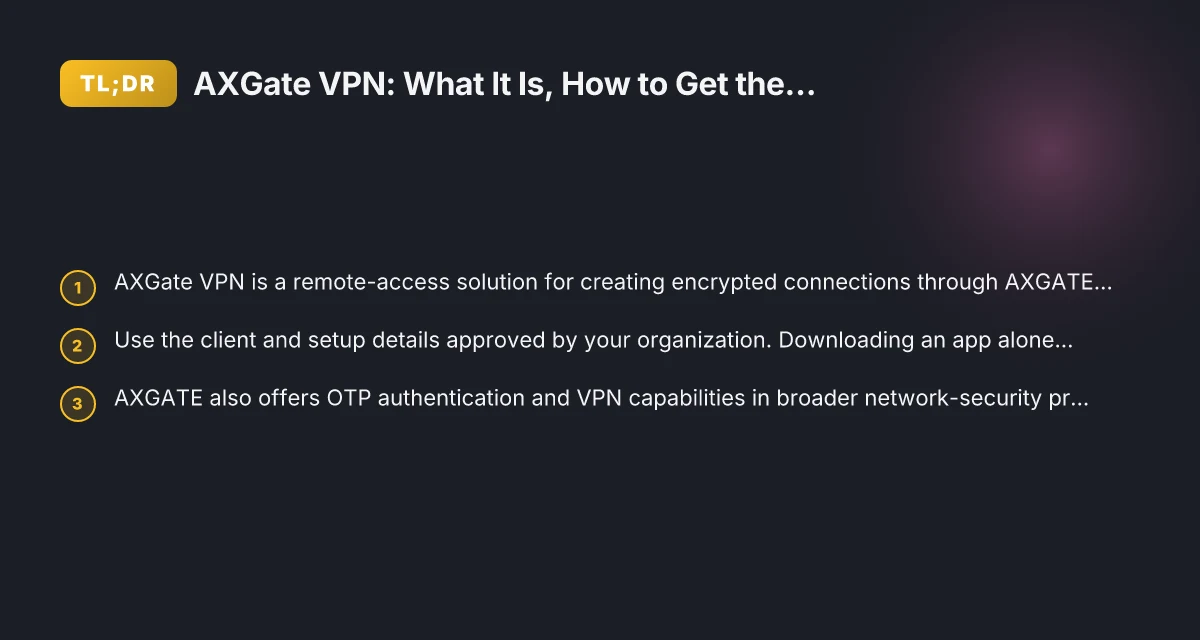
AXGate VPN is a secure remote-access solution that connects a user’s device to an AXGATE VPN gateway through an encrypted connection. It is generally intended for people who need to reach work or other protected network resources from outside the organization. To use it, you typically need the appropriate AXGATE VPN client, connection settings, and credentials supplied by the network administrator.
Compare AXGate VPN access options
| Option | Best for | How to get it | Sign-in | Key consideration |
|---|---|---|---|---|
| Official AXGATE VPN client | Users connecting to an AXGate VPN | Obtain through the organization’s approved source | Organization-provided credentials | Confirm the client matches your device |
| Organization’s VPN instructions | First-time setup | Request them from your IT team | Follow the organization’s steps | Requirements may vary by organization |
| AXGATE OTP | Accounts requiring an extra verification step | Use the method provided by your organization | Enter the requested one-time password | Keep access to the registered OTP method |
| IT support | Setup or access problems | Contact your organization’s help desk | Be ready to verify your identity | Ask for the approved client and connection details |
Compiled November 2026; check the provider's site for current details.
| VPN | Obfuscation | From / month | Plan | Free plan | Refund | Alipay | UnionPay | Crypto | Website opens in China | Trustpilot | |
|---|---|---|---|---|---|---|---|---|---|---|---|
 ZoogVPN | Turn on manually Shadow | $2.49/mo | 27 months: $59.99 | Yes | 7 days | ✓ | ✓ | ✓ | ✓ | Official site blocked; our special link opens (4.4 s) | 4.2/5 (195 reviews) |
 NordVPN | Turn on manually Obfuscated Servers / NordWhisper | $3.49/mo | 27 months: $94.23 | No | 30 days | ? | ✗ | ✓ | ✓ | ✗ Blocked | 4.2/5 (51,628 reviews) |
 ExpressVPN | ✓ On by default all servers | $3.00/mo | 28 months: $84 | No | 30 days | ✗ | ✗ | ✓ | ✗ | ✗ Blocked | 4.4/5 (29,706 reviews) |
 Surfshark | ✓ On by default Camouflage, with OpenVPN | See site | See site | No | 30 days | ✗ | ✗ | ✗ | ✓ | ✗ Blocked | 4.3/5 (31,823 reviews) |
 Proton VPN | Turn on manually Stealth, free plan too | $2.99/mo | 12 months: $35.88 | Yes | 30 days | ✗ | ✗ | ✗ | ✓ | ✗ Blocked | 2.1/5 (1,040 reviews) |
 Astrill VPN | Turn on manually StealthVPN / OpenWeb | $12.50/mo | 24 months: $300 | No | See site | ✗ | ✗ | ✗ | ✓ | ✗ Blocked | 1.3/5 (110 reviews) |
 Private Internet Access | Turn on manually Shadowsocks, OpenVPN only | $2.03/mo | 40 months: $81.2 | No | 30 days | ✗ | ✗ | ✗ | ✗ | ✗ Blocked | 4.2/5 (11,033 reviews) |
 CyberGhost | Turn on manually selected servers | $2.19/mo | 28 months: $61.32 | No | 45 days | ✗ | ✗ | ✗ | ✓ | ✗ Blocked | 4.0/5 (24,178 reviews) |
 PureVPN | Turn on manually switch to OpenVPN | $1.69/mo | 60 months: $101.55 | No | 31 days | ? | ? | ✗ | ✓ | ✗ Blocked | 4.4/5 (17,994 reviews) |
 AdGuard VPN | ✓ On by default TrustTunnel | $2.99/mo | 24 months: $71.76 | Yes | 30 days | ✓ | ✗ | ✓ | ✓ | Official site blocked; our special link opens (3.7 s) | 4.3/5 (290 reviews) |
 Mullvad | Turn on manually QUIC / Shadowsocks / LWO | $5.61/mo | €5/mo | No | 14 days | ✗ | ✗ | ✗ | ✓ | ✗ Blocked | 3.2/5 (192 reviews) |
 Windscribe | Turn on manually Stealth / WStunnel | $5.75/mo | 12 months: $69 | Yes | See site | ✗ | ✗ | ✗ | ✓ | ✗ Blocked | 4.7/5 (13,355 reviews) |
 StrongVPN | Turn on manually Scramble, OpenVPN TCP | See site | See site | No | 30 days | ✓ | ✗ | ✗ | ✗ | ✗ Blocked | 4.4/5 (2,695 reviews) |
 LightXtreme 闪连 | Not listed | $7.08/mo | 12 months: $84.99 | Yes | 30 days | ✓ | ✓ | ✓ | ✓ | ✓ Yes (3.5 s) | No page |
Prices checked 2026-11-10 on each vendor's pricing page (cheapest long plan, USD). Check the vendor's checkout for the final price.
Obfuscation checked 2026-11-14 on each vendor's site and help center: "on by default" = nothing to set; "turn on manually" = switch protocol or mode in settings; "not listed" = the vendor describes no obfuscation.
Payment methods checked 2026-11-10 on each vendor's payment pages: all 14 take cards and PayPal; ✗ = not listed, ? = the vendor's own pages disagree.
China access: whether the official website opens from mainland China networks (tests the website only, not the VPN connection). Last checked 2026-11-18 01:02 Beijing time.
Trustpilot score and review count checked 2026-11-10.
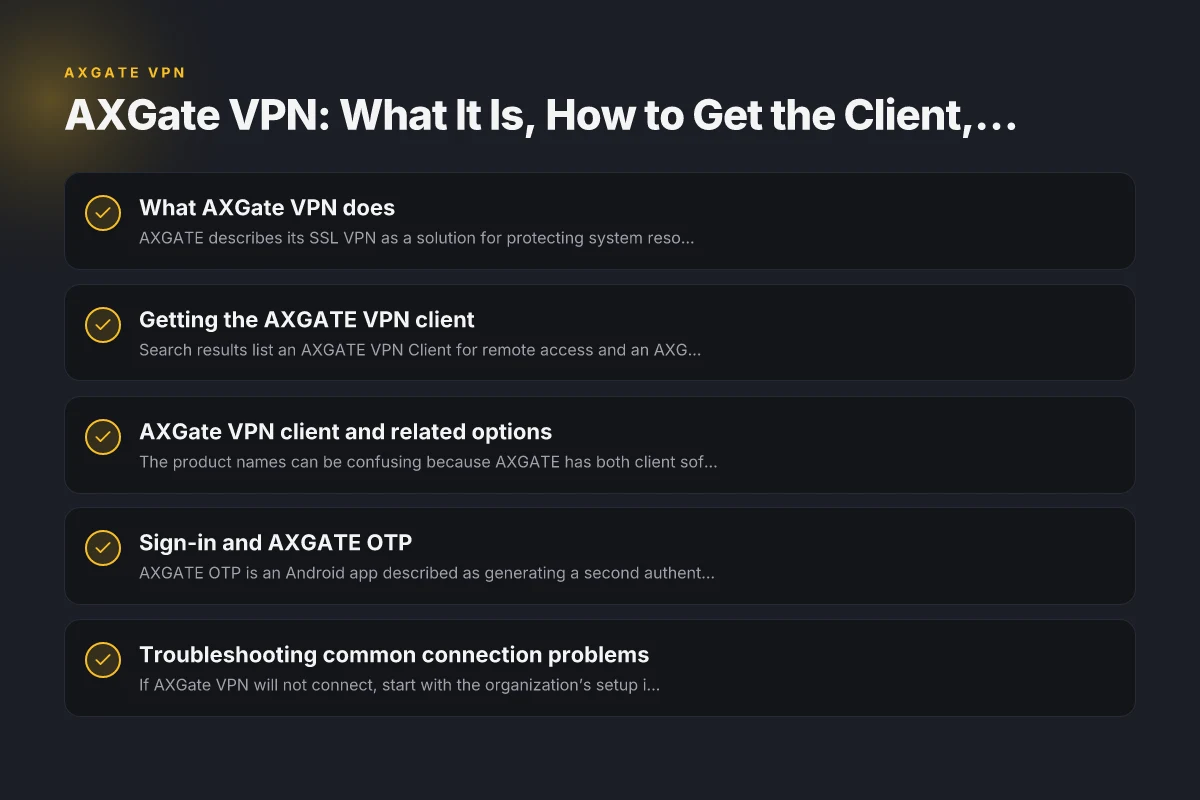
What AXGate VPN does
AXGATE describes its SSL VPN as a solution for protecting system resources and information assets through user authentication. In practice, a VPN creates an encrypted path between a user’s device and a gateway, helping protect traffic while the user accesses resources made available by that network.
Whether a connection succeeds depends on more than installing the software. The gateway must be configured for remote access, and the organization must provide the correct server address, login details, and any required authentication steps. Access may also be limited to particular users or services.
AXGATE’s broader security offerings include VPN alongside other network-security functions. For example, an AXGate next-generation firewall listing describes application-aware network security, secure WAN, VPN, vulnerability management, and flow-based inspection. AXGATE Cloud Firewall is also described as providing firewall, IPsec/SSL VPN, and intrusion prevention capabilities in a cloud environment.
Getting the AXGATE VPN client
Search results list an AXGATE VPN Client for remote access and an AXGate VPN Client app on Apple’s App Store. The store listing identifies AXGATE Co., Ltd. as the developer and describes the app as a productivity application. AXGATE also maintains a resources page for its SSL VPN. Fortin VPN: What It Is and How to Use FortiClient VPN
Before installing anything, confirm which client your organization supports and where it wants you to obtain it. A third-party download listing may provide information about a product, but it is not a substitute for an official download source or your organization’s instructions.
A sensible checklist:
- Ask your IT administrator for the approved download link.
- Confirm that the client is compatible with your device and operating system.
- Get the correct gateway address and configuration instructions.
- Check whether your organization requires a certificate, OTP, or another sign-in step.
- Avoid entering work credentials into a download site or an app that has not been verified.
Compare common AXGate connection problems
| Problem | What to check | Helpful next step | When to contact IT |
|---|---|---|---|
| Client unavailable | Whether you used the approved download source | Request the correct client from your organization | The approved source is unclear |
| Sign-in rejected | Username, password, and account status | Re-enter your credentials carefully | Credentials still fail |
| OTP not accepted | Code entry and OTP method | Request a fresh code using the supplied method | Codes repeatedly fail |
| Connection will not start | Network access and client settings | Retry using the organization’s setup instructions | The connection still cannot start |
| Connection drops | Network stability and client status | Reconnect and note when the drop occurs | Drops continue |
| Unsure which client to use | Device and organization requirements | Check your organization’s instructions | Requirements are not provided |
Compiled November 2026; check the provider's site for current details. EqualVPN: What It Offers and What to Check Before Using It
AXGate VPN client and related options
The product names can be confusing because AXGATE has both client software and wider security products. The client is the application used on an endpoint to connect to a VPN gateway. Firewall and cloud offerings are infrastructure products that organizations can deploy to provide network security and VPN services.
| Option | What it is | Typically relevant to |
|---|---|---|
| AXGATE VPN Client | Remote-access application for connecting to an AXGATE VPN gateway | Employees or users connecting from a device |
| AXGATE SSL VPN | A VPN solution described by AXGATE as protecting resources through authentication | Organizations providing controlled remote access |
| AXGate next-generation firewall | Network-security product that includes VPN among its capabilities | Organizations managing perimeter and network security |
| AXGATE Cloud Firewall | Cloud-based security offering that includes firewall and IPsec/SSL VPN functions | Organizations seeking security services in a cloud environment |
These options are related, but they are not interchangeable. A client does not create a gateway by itself, and an organization’s firewall or cloud deployment does not automatically tell an individual user which application or settings to use.
Sign-in and AXGATE OTP
AXGATE OTP is an Android app described as generating a second authentication code for VPN access. If your organization uses it, the code may be requested in addition to your usual account credentials. This is a form of multi-factor authentication: access requires more than one piece of proof of identity.
Follow the enrollment steps provided by your administrator. Do not assume every AXGATE VPN setup requires OTP, or that installing the OTP app is enough to enroll your account. If you are prompted for a code but have not been given setup instructions, contact your organization’s IT support rather than repeatedly guessing or sharing codes. Windows VPN: How It Works, How to Set It Up, and What to Choose
For a smoother connection, have the following information ready:
- Your VPN username and password, if applicable.
- The approved VPN gateway address.
- Any required OTP enrollment or authentication instructions.
- Guidance on certificates, device permissions, or network settings.
- A support contact in case the client displays an error.
Decide what to do before connecting
| Your situation | Recommended action | AXGate client needed? | OTP may be needed? | Main source of guidance |
|---|---|---|---|---|
| You have not set up VPN before | Get setup instructions from your organization | Likely | Depends on account settings | Organization’s IT team |
| You already have the client | Follow the supplied connection steps | Yes | Depends on account settings | Organization’s instructions |
| You are asked for an OTP | Use the organization-provided OTP method | Yes | Yes | Organization’s sign-in guidance |
| You cannot find the client | Ask where to obtain the approved version | Yes | Not yet | Organization’s IT team |
| Your credentials are rejected | Check the details and contact support if needed | Usually | Depends on account settings | Organization’s help desk |
| You need help choosing an option | Confirm device and access requirements | Depends | Depends | Organization’s IT team |
Compiled November 2026; check the provider's site for current details.
Troubleshooting common connection problems
If AXGate VPN will not connect, start with the organization’s setup instructions. A mistyped gateway address, expired password, missing configuration, or incomplete OTP enrollment can prevent sign-in. The issue may also be on the gateway or account side, which is why administrator support can be necessary. Free VPN for Microsoft Edge: What Works and What to Know
Try these basic checks:
- Confirm that your internet connection is working.
- Verify the gateway address and username against the instructions you received.
- Check whether your password or OTP enrollment needs attention.
- Restart the client and retry only after correcting any obvious setup issue.
- Record the exact error message and contact your organization’s IT team.
Avoid disabling device protections or installing unofficial configuration files to force a connection. If the VPN is for work, your organization’s security and support procedures should take priority.
Recommendation
If you are an individual user, ask your organization for its approved AXGATE VPN client, gateway details, and authentication steps before downloading or configuring the software. If you manage a network, review AXGATE’s official SSL VPN resources and evaluate the relevant gateway, firewall, or cloud product against your access and security requirements. In either case, the client is only one part of a working VPN setup: trusted configuration and authorized access are essential.