English-language VPN explainers and troubleshooting for browser extensions, consumer services, business clients, open-source tools, setup, and account access.
This English-language section explains VPN software, browser extensions, account access, setup, and practical limits for readers comparing services or solving connection problems. Its coverage spans consumer VPNs, business clients, open-source tools, browser add-ons, and troubleshooting, with examples such as Urban VPN, NordVPN, Proton VPN, SoftEther, FortiClient, F5 VPN, and AXGATE VPN. The focus is on what a product does, how people use it, and what to check before relying on it.
Match your VPN choice to your needs
Need
What to compare
Useful evidence
Practical question
Everyday browsing
Ease of use
App layout and setup steps
Can you connect without help?
Public Wi-Fi
Protection features
Security settings explained
Are the settings clear?
Streaming
Service compatibility
Recent, specific test details
Does the service you use work?
Travel
Location coverage
Available locations and access notes
Does it cover your destination?
Multiple devices
Device support
Supported platforms and limits
Can you use it on your devices?
Privacy
Policies and controls
Clear privacy explanations
Can you understand what is collected?
Troubleshooting
Support options
Help articles and contact methods
Can you find help when needed?
Compiled November 2026; check the provider's site for current details.
What this section covers
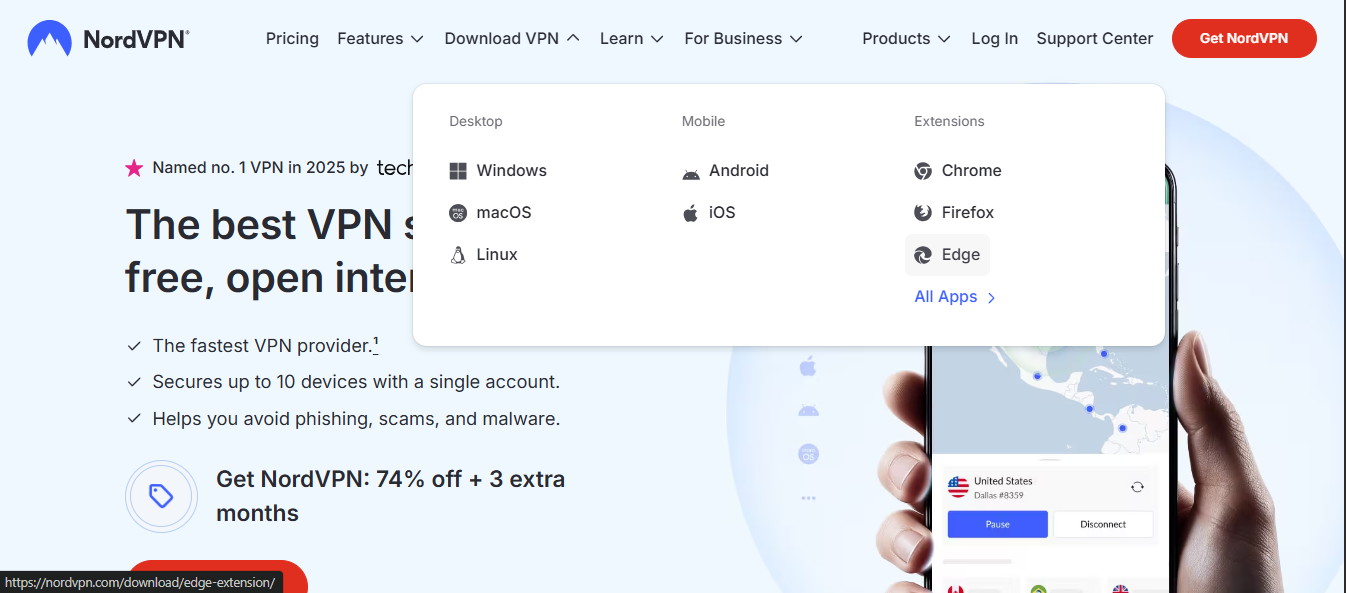
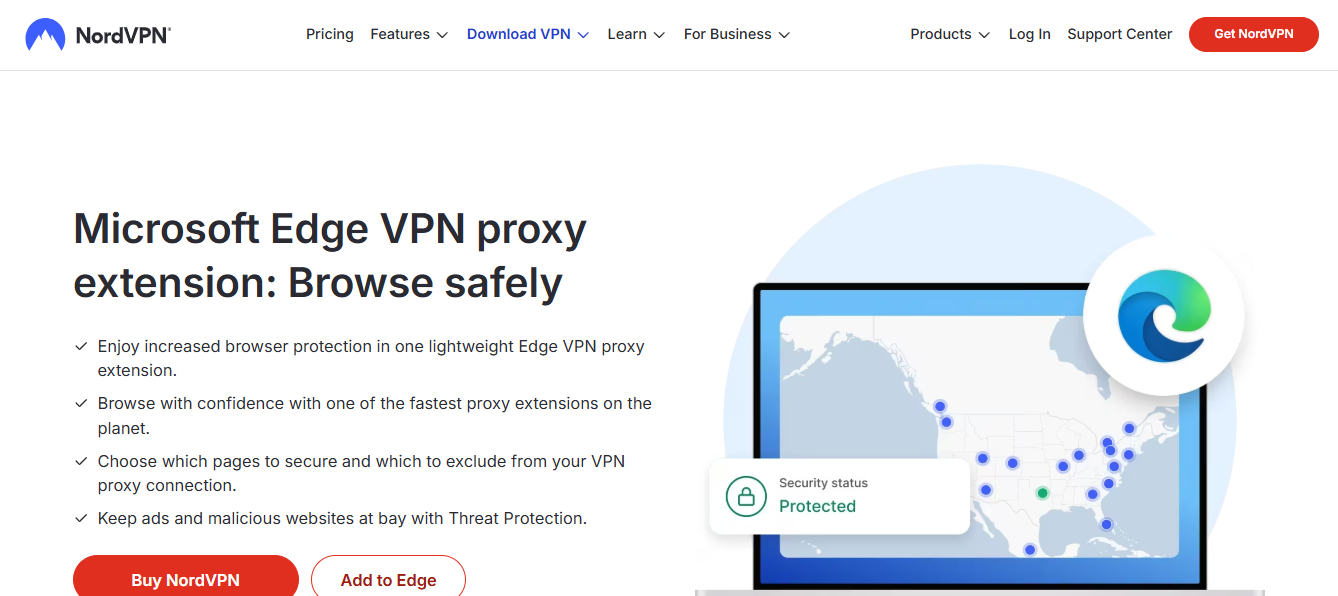
The page brings together several distinct topic clusters rather than treating every VPN as the same kind of product. Browser extensions are covered through Urban VPN guides for Microsoft Edge and other browsers, including installation, location selection, and the difference between protecting browser traffic and routing an entire device through a VPN. Consumer service accounts appear in practical help on signing in to NordVPN and resolving common access problems.
Other posts address business and organization VPN clients, including FortiClient, F5 VPN, and AXGATE VPN. These products may be provided by an employer or institution, so setup can depend on administrator instructions, a server address, or an organization-managed account. The section also covers open-source and free options, including SoftEther VPN and Proton VPN Free, with attention to what their different models mean for ordinary use.
Readers will also find installation and connection troubleshooting: where to find an extension, how to choose a server location, what to try when another proxy conflicts, and when a problem is more likely to involve the account, app, network, or provider. The aim is useful orientation, not a promise that every service works identically on every device or network.
Who the English coverage serves
This section is for people who want direct explanations before installing software, changing a VPN plan, or following workplace setup instructions. Its audience includes everyday users, remote workers, students, and technically curious readers in the United States and elsewhere who encounter VPN products on Windows, macOS, Android, iPhone, or a desktop browser. Urban VPN Extension Edge: How to Install, Use, and Evaluate It
Some readers arrive with a specific task: connect to a company gateway, regain access to an account, or install an Edge extension. Others are comparing familiar consumer names such as NordVPN and ExpressVPN with free tools or specialist clients. The coverage distinguishes those questions. A corporate VPN is generally about reaching an organization’s private network; a consumer VPN is usually sold as a personal service; a browser proxy extension may cover only browser activity. Checking which problem a tool is designed to solve can prevent wasted setup time.
For US readers, common practical considerations include whether a price is listed in US dollars, whether tax is added at checkout, and what renewal terms apply. Prices and plan terms can change, so a service’s current checkout page is the place to confirm a quote. This section does not assume that a free tier, a promotional rate, or a server count tells the whole story about speed, privacy, or suitability.
The posts cover unlike products, so comparisons work best when they start with purpose and scope. Feature names alone do not establish equivalent protection: an extension, a standalone app, and an organization’s remote-access client can route different traffic and collect different information. Use this short rundown as a way to frame the guides, not as a ranking.
Product or category
Typical role
Useful question
Urban VPN browser extension
Browser-level proxy or VPN features
Does it cover only the browser, and what permissions does it request?
NordVPN or ExpressVPN
Consumer VPN services
What do the current plan, renewal, and refund terms say?
Proton VPN Free
Free consumer VPN plan
Which limits apply to locations, performance, or features?
FortiClient, F5 VPN, or AXGATE VPN
Organization-managed access
What configuration and account details did the administrator provide?
SoftEther VPN
Open-source VPN software
Can the user securely manage its setup and ongoing maintenance?
Prices are not listed in this comparison because the featured guides span free software, organization-managed tools, and paid consumer subscriptions, and the supplied coverage does not establish current rates. For a paid plan, compare the amount charged today with the renewal price, billing period, refund window, and supported devices. For a work VPN, ask the organization’s IT team rather than buying a consumer plan to solve an access problem.
Practical checks before you connect
A few basic checks make setup guides more useful and reduce avoidable confusion. Start by confirming the product’s source and intended use, then check what traffic it handles and what credentials it needs. For example, a browser add-on should be evaluated separately from a full-device app, while a company client should be installed only through instructions supplied by the organization.
Identify the exact product and device, such as Urban VPN on Microsoft Edge or FortiClient on a work computer.
Use the browser’s or operating system’s official software store, or the organization’s approved download instructions.
Read the requested permissions and confirm whether the tool handles browser traffic, device traffic, or access to a private workplace network.
Sign in with the right account or enter only the server details provided by the service or administrator.
Connect to a location or gateway, then check that the intended app or resource works.
If the connection fails, note the error, update the app, and check for conflicting proxy or VPN extensions before changing security settings.
For the Urban VPN Edge extension, the supplied troubleshooting guidance specifically points users to Edge’s edge://extensions page and suggests disabling other VPN or proxy extensions when diagnosing a conflict. That is a targeted troubleshooting step, not a reason to switch off unrelated security tools. Availability can also differ between software stores and may change over time, so check the listing currently shown in your browser rather than relying on an old installation link. AXGATE VPN Client: What It Is, How It Works, and How to Use It
Pre-connection checks and limits
Check
Before connecting
If something is unclear
What the guidance means
App source
Use the provider’s official source
Verify the publisher
A safer installation step
Account
Review sign-in and plan details
Check the provider’s terms
Avoid unexpected conditions
Settings
Review available privacy and security controls
Consult official help
Features depend on configuration
Network
Confirm the VPN shows a connection
Reconnect or seek support
Connection status can change
Websites
Test the services you rely on
Check current service behavior
Access is not guaranteed
Location
Choose an available location
Confirm coverage in the app
Availability may vary
Claims
Read the review’s scope and date
Look for current provider details
Reviews cannot promise outcomes
Compiled November 2026; check the provider's site for current details.
What the guidance does and does not promise
VPN software can change how traffic travels, but it cannot make every online activity private or safe by itself. A VPN does not replace strong, unique passwords, account security, or careful handling of sensitive information. Readers should review a provider’s privacy disclosures, permissions, support process, and billing terms instead of treating claims such as unlimited bandwidth or a large server network as proof of quality.
The Urban VPN listing supplied for this section described a network of 632 servers and was dated November 11, 2026. Those are claims tied to that listing and date, not independent confirmation of current availability or performance. Similarly, a setup instruction that says to choose a country and connect describes a basic workflow; it does not establish that a particular location will work well for every stream, website, or network. SoftEther VPN: What It Is, How It Works, and Whether to Use It
This section is an independent information resource, not a VPN vendor. Its English pages are organized around recognizable tasks: understand a tool, install it, connect, compare its role with alternatives, or investigate a problem. Start with the guide closest to the product you have, then verify current pricing, access requirements, and privacy terms with the relevant provider or organization before making a decision.